



Platform / Scope Access / How-To
Scoped Access Walkthrough
Create team- and project-scoped configurations that give different audiences exactly the access they need.
Overview
Why scoped configurations?
Different teams need different data. A frontend team doesn't need the same Jira projects or GitHub repositories as the security team. Giving everyone the same organization-wide access creates noise, reduces relevance, and can expose sensitive data to the wrong audience. Scoped configurations solve this — each team, project, or user gets a configuration tuned exactly to their context.
Available to everyone in your organization. Set by admins.
Company-wide GitHub access, shared Jira connection
Available to all members of a specific team. Inherits org-level configs.
Engineering team Slack channels, design team Figma access
Activated when a team member opens that project directory in their IDE.
Mobile app Jira board, backend repo read-only access
Private to a single user. Only they can see and use it.
Personal GitHub token, private Notion workspace
Configurations cascade — a team member inherits the organization config, then their team config, then a project config if one is active. The most specific level takes precedence.
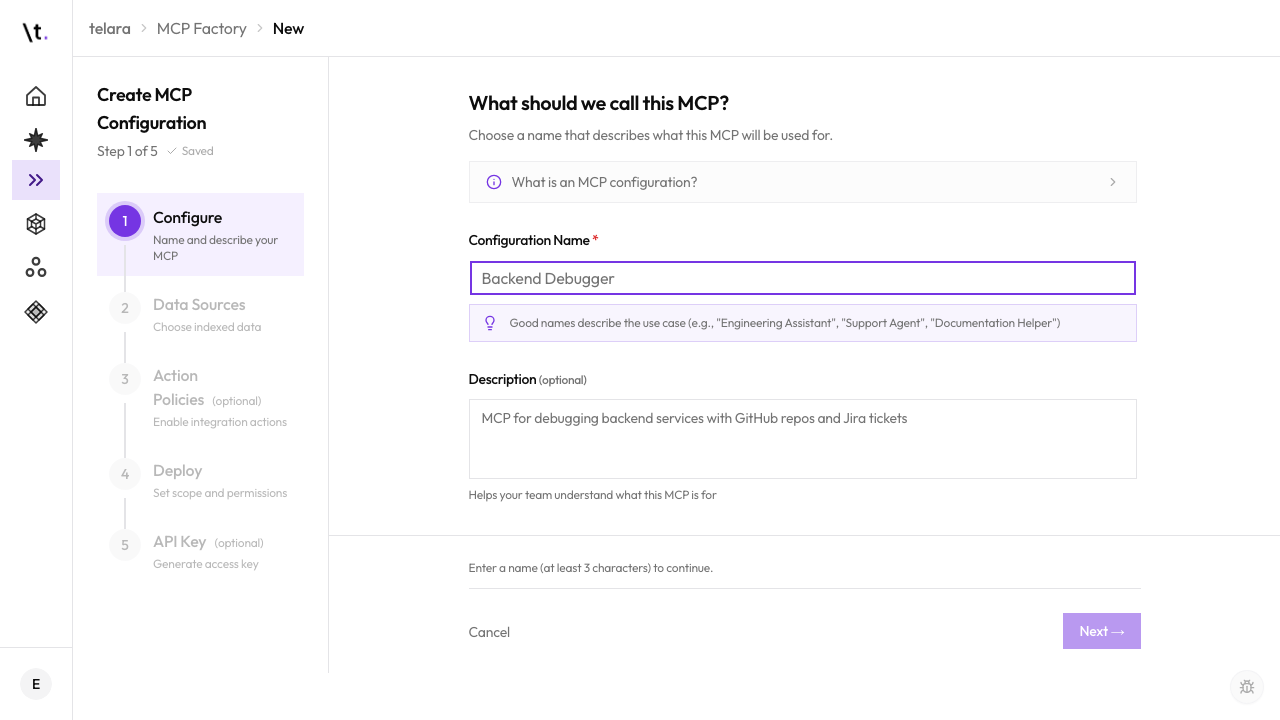
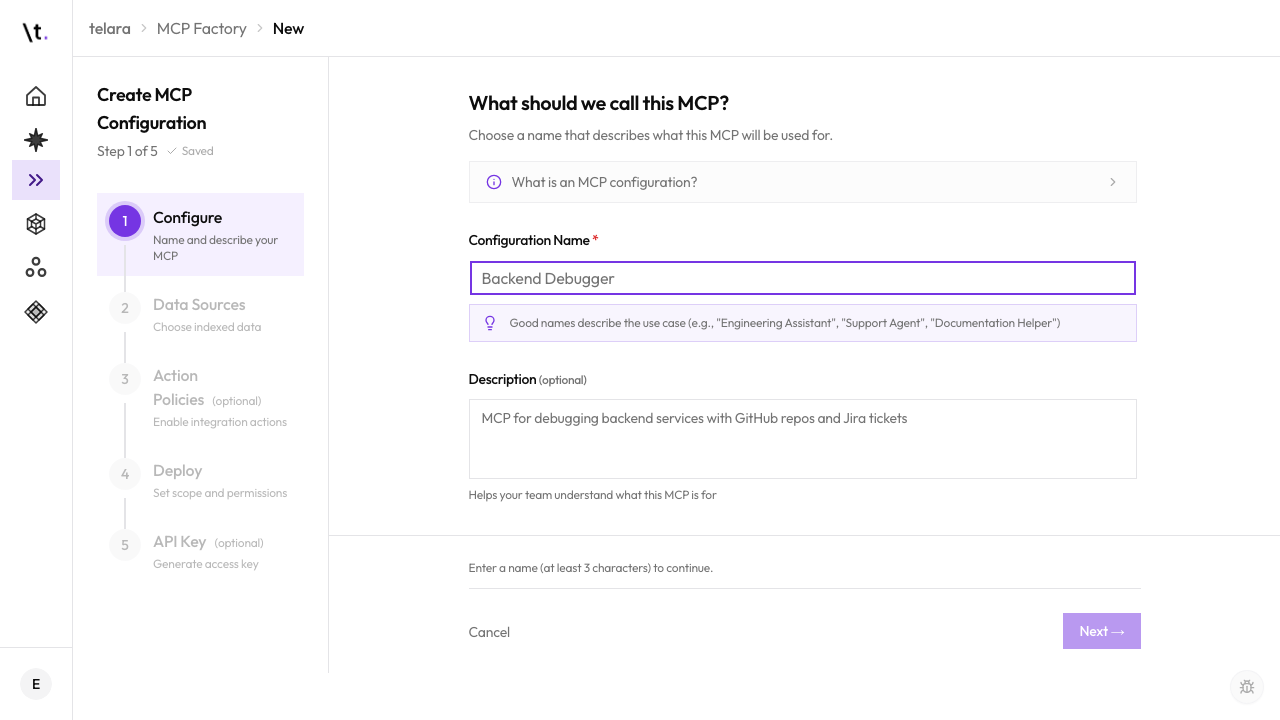
Create a Team-Scoped Configuration
A team-scoped configuration is available to all members of a team. Members get it automatically when they connect their tools — no individual setup required.
Per-Directory CLI Override
Activate a project-specific configuration in a directory so your agent tools switch context automatically when you open that project.
Once a project-scoped configuration exists in Telara, any team member can activate it in their local project directory using the CLI. From then on, opening that directory in their IDE automatically loads the project configuration instead of their default.
The CLI writes a configuration reference into a file in that directory. When Claude Code, Cursor, or another tool opens the directory, it reads this file and connects to the project-specific configuration instead of the global one.
Data Isolation with Filters
Narrow each connection to only the data your team needs. Filters are per-integration and can be as broad or specific as you like.
When you add a connection to a scoped configuration, you can filter what that integration exposes. Agents using the configuration will only see and be able to act on the filtered data — even if the underlying integration has access to much more.
Filters are not a client-side hint — they are enforced by Telara on every search and action. An agent cannot access filtered-out data even if it tries to reference it directly.
What's Next