



Platform / Permissions & Policies / How-To
Permissions & Policies Walkthrough
Create your first permission policy, configure action gates, and attach it to a configuration.
Overview
What permission policies do
Every action an agent takes — searching GitHub, posting to Slack, creating a Jira ticket — is governed by a permission policy. Policies let you decide, per action: whether the agent can proceed automatically, whether a human must approve first, or whether the action is blocked entirely.
Agent proceeds immediately. Best for read operations and low-risk actions.
Agent pauses and sends a notification. A human approves or denies from the Telara dashboard.
Action is never allowed regardless of who asks or how. Use for irreversible or destructive operations.
Create a Policy
Policies are created independently and then attached to one or more configurations. You can reuse the same policy across multiple configurations.
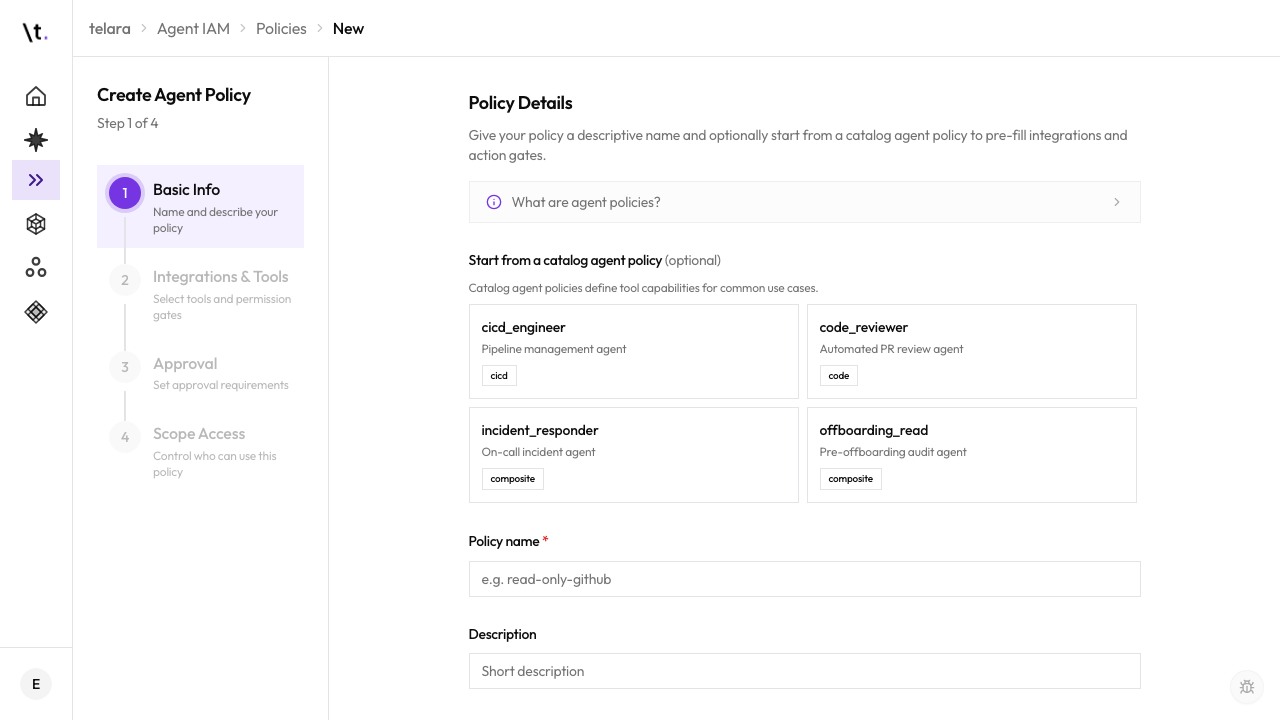
Set Action Permissions
Configure how each action is handled. Actions are grouped by integration — GitHub, Jira, Slack, and others.
Inside your new policy, open the Actionstab. For each integration, you'll see a list of available actions. Set each to Auto-approve, Require approval, or Blocked.
- Search GitHub repositories
- Read Jira tickets and comments
- List Slack channels
- Search Notion pages
- Read pull request status
- Create a GitHub pull request
- Post a message to Slack
- Update or close a Jira ticket
- Create a Notion page
- Assign a ticket to a team member
- Delete a GitHub repository
- Kick a user from Slack
- Close or archive a Jira project
- Delete a Notion workspace
- Remove a team member
Start conservative — set most write actions to "Require approval" and loosen permissions as you become confident. You can update the policy at any time and changes take effect immediately across all attached configurations.
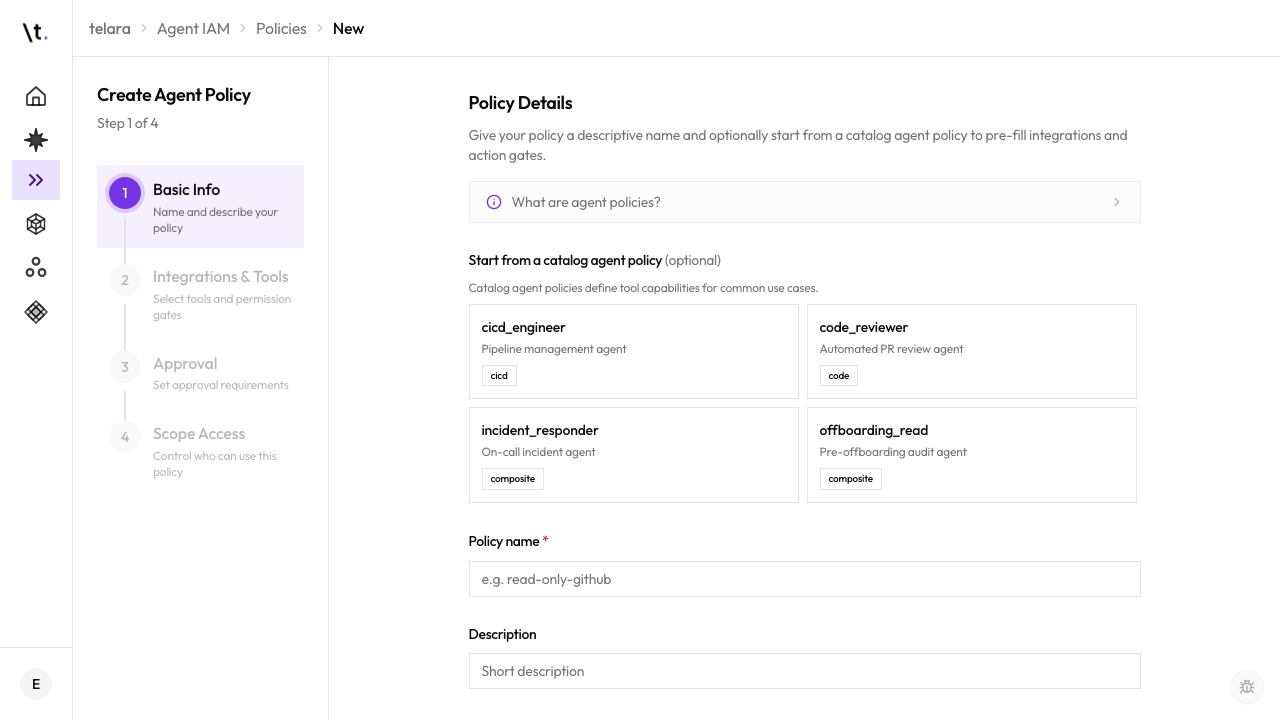
Configure Approval Steps
Define who gets notified when an action requires approval, and how long an agent waits before timing out.
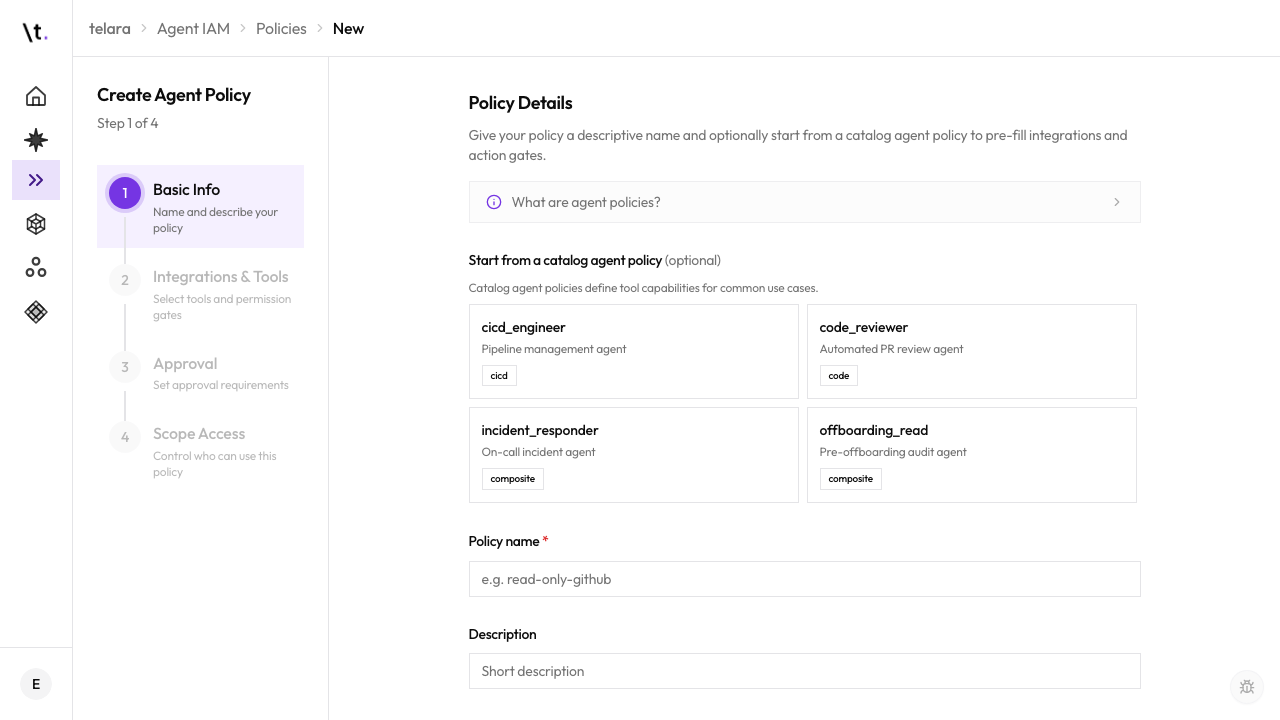
Attach the Policy to a Configuration
A policy does nothing on its own — it must be attached to a configuration to take effect.
When multiple policies are attached to a configuration, the most restrictive setting for each action wins. If one policy auto-approves posting to Slack and another requires approval, the agent will request approval.
What's Next